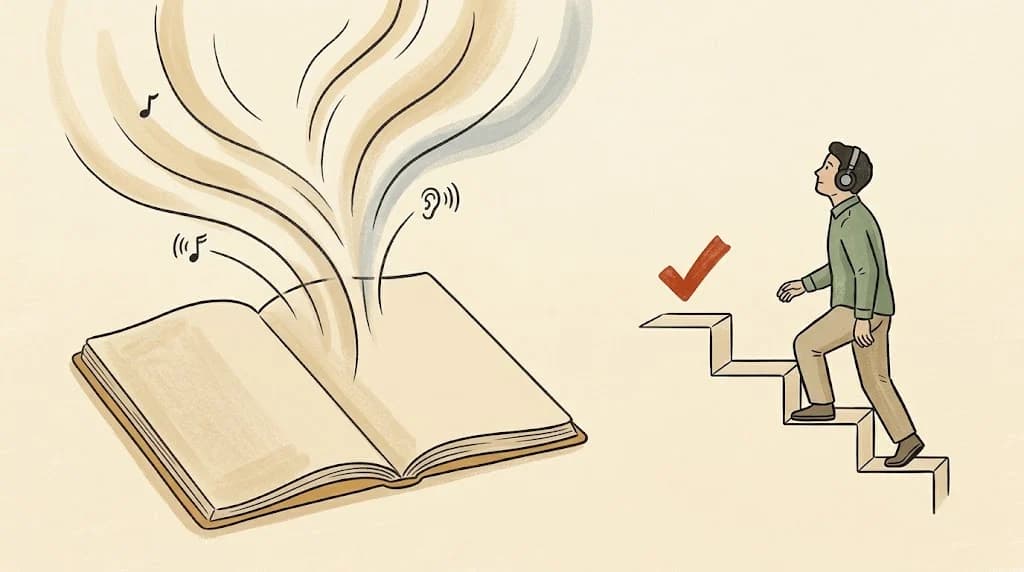
Most people looking for a Speechify alternative want one of three things. Some want the same read-aloud features for less than $29 a month. Some only need a PDF read to them now and then, and wonder whether they need an app at all. And some are studying, have been listening for weeks, and find that it is not sticking. This guide covers all three, starting with the free options. Prices come from each company's own page as of October 2026. One honest note up front: CramClip, which makes this page, is not a reader. If you need every word read aloud, we will point you to a tool that does that.
First, do you need a paid app? Free ways to read a PDF aloud
Before you compare subscriptions, check what you already have. For occasional pages, the best Speechify alternative may already be on your phone.
iPhone and iPad: Speak Screen and Speak Selection
iOS can read text aloud with no extra app. In the iOS 27 guide, Apple puts the switches under Settings, Accessibility, Read & Speak; older versions call this section Spoken Content. Turn on Speak Selection to hear text you highlight, or Speak Screen to hear everything on the screen. With Speak Screen on, swipe down with two fingers from the top of the screen. A small controller lets you pause, change the speaking rate and move forward or back. You can also choose the voice.
Acrobat Reader and Microsoft Edge on a computer
The free Acrobat Reader has a Read Out Loud option under the View menu. You can have it read the current page or read to the end of the document, starting from the page you are on. Microsoft Edge can read PDFs too: open the file in Edge and choose Read aloud, or use Reading mode. Microsoft's help page notes that you can skip by paragraph and change the voice.
The verdict: these are fine for a few pages, a letter or a form. For a 300-page textbook they get clunky. Speak Screen reads what is on screen, page by page, and none of these built-in tools exports an MP3 for later.
Speechify in October 2026: what you get
Speechify deserves credit. It is a polished, cross-platform reader. Its free plan reads at up to 1.5× speed with ten basic voices, and it is text-to-speech only. Premium costs $29 a month or $139 a year, which works out to about $11.58 a month. Premium adds more than 1,000 natural voices in 60+ languages, speeds up to 5×, Scan & Listen for photographed pages, AI summaries and chat, AI podcasts, and connections to Google Drive, Dropbox and OneDrive. It runs on iOS, Android, the web and as a browser extension. If you use most of that, it may well be worth the price.
The best Speechify alternatives for reading aloud
If what you want is the same job for less money, or a different set of strengths, these are the read-aloud apps worth a look.
ElevenReader: the generous free tier
ElevenReader, from ElevenLabs, gives you 10 hours of text-to-audio a month for free, with speeds up to 4×, a sleep timer and bookmarks. Ultra costs $11 a month or $99 a year and removes the limit on your own imports. It reads PDF, DOCX, EPUB, Markdown and TXT files, plus links, with narrators in more than 90 languages. It also has GenFM, which turns a document into a short AI podcast with two co-hosts. For heavy listeners, it is the best-value Speechify alternative on this list.
NaturalReader: when you want MP3 files
NaturalReader's Lite plan costs $13.90 a month or $79 a year for unlimited listening with its Lite voices and 1 million MP3 characters a month. Plus costs $20.90 a month or $119 a year, adds better voices and lets you clone up to two voices. Pro is $25.90 a month or $159 a year. It is the Speechify alternative to pick if you want audio files of a whole document, or you mostly work on a desktop.
Voice Dream Reader: a long-time accessibility favorite
As a Speechify alternative for accessibility, Voice Dream has been a favorite of blind and low-vision readers for years. Applause Group bought it in 2023, and in 2024 it moved to a subscription model, as Six Colors reported at the time. Today it is a free download on the App Store with in-app subscriptions. We could not confirm the current price, so check the App Store listing before you decide.
Speechify for studying: hearing the text is not the same as learning it
Is listening a legitimate way to learn? Yes. A 2022 meta-analysis by Clinton-Lisell pooled 46 studies with 4,687 participants and found no reliable overall difference between reading and listening comprehension. Reading came out ahead in two situations: when readers set their own pace, and on questions that asked for inference rather than recall of facts. The effects were small.
So a reader app is a fair tool. The trouble for exam prep is what you do with it. Playing a chapter again is restudying, and restudying is the weakest way to prepare for a test. Practice tests beat restudying, as Roediger and Karpicke showed in 2006 and Adesope and colleagues confirmed in a 2017 meta-analysis. Spreading reviews over days beats cramming them into one sitting, as Cepeda and colleagues found across hundreds of experiments. Our Quizlet alternatives guide covers apps built around that kind of review.
Length matters too. Assume a 300-page textbook at about 400 words a page, read at 150 words a minute. That is roughly 800 minutes, or about 13 hours of listening at normal speed, before you have tested yourself once. Faster playback cuts the time, but not the problem.
When a reader is the right choice, and when a study course is
Whether you need a Speechify alternative or something else entirely depends on the job.
| You need | Pick |
|---|---|
| Every word, exactly: novels, contracts, proofreading | A reader: Speechify, ElevenReader, NaturalReader or Speak Screen |
| Many languages, a browser extension, very fast playback | Speechify or ElevenReader |
| MP3 files of a whole document | NaturalReader |
| A few pages, occasionally, for free | Speak Screen, Acrobat Reader or Edge |
| To pass a dated exam from your own PDF, on a commute | A study course such as CramClip |
How CramClip is different, and what it does not do
CramClip is a study tool, not a Speechify alternative in the reader sense. You upload a PDF, paste notes or add a link, and it builds a course of 4 to 20 lessons, each 15 to 22 minutes. Two hosts teach the material: one asks the questions a learner would ask, the other explains. The script keeps the part that does the teaching, roughly a fifth of the original length, and a second model checks numbers and quiz answers against your file before audio is made.
After each lesson you answer four multiple-choice questions. Anything you miss comes back as a review card one, three, seven and fourteen days later. Set an exam date and the Today screen tells you how many lessons to finish each day. Our guide to turning a PDF into a podcast explains the process in more detail.
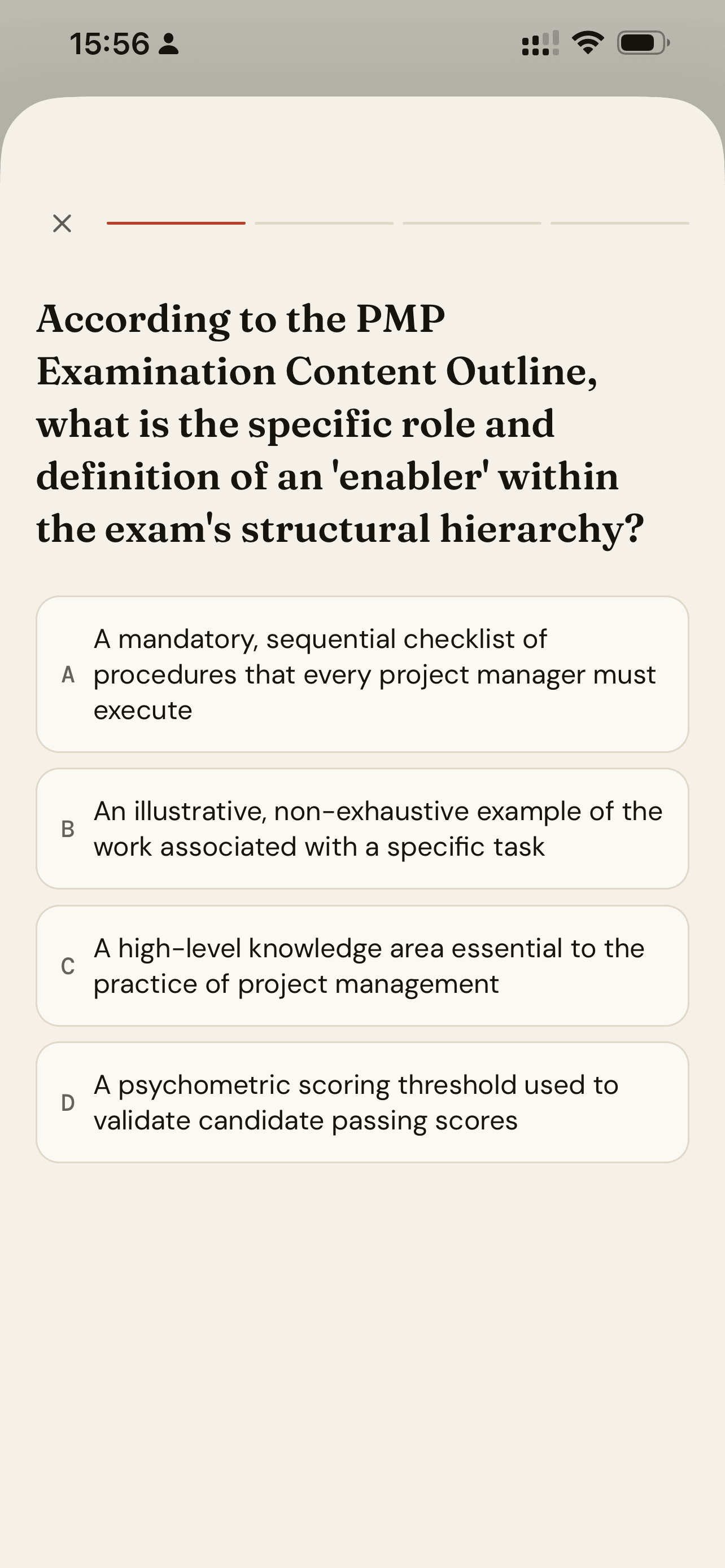
Here is what CramClip does not do, so you can rule it out quickly:
- No word-for-word reading. Nothing is read aloud verbatim.
- No 5× speed. Playback runs from 0.8× to 2×.
- No voice or language choice. Two fixed hosts, English only.
- No browser extension, Android or desktop app. It is iOS only for now; Android is coming.
- No EPUB or Word files. PDF, pasted text or a link.
Your first lesson is free, in full, including its quiz and review cards. Paid plans start at $8.99 a week.
Frequently asked questions
Is there a free Speechify alternative?
Yes. Speak Screen on iPhone and iPad, Read Out Loud in Acrobat Reader and Read aloud in Microsoft Edge are all free. ElevenReader also gives you 10 hours of text-to-audio a month at no cost.
What is cheaper than Speechify Premium?
As of October 2026, ElevenReader Ultra costs $99 a year and NaturalReader Lite costs $79 a year, against $139 a year for Speechify Premium.
Can I read a PDF aloud on iPhone without an app?
Yes. Turn on Speak Screen in the Accessibility settings, open the PDF, then swipe down with two fingers from the top of the screen.
Is Speechify good for studying?
It is good for getting through reading. For exam retention, add self-testing and spaced review, or use a study course that builds them in.
Does CramClip read my PDF word for word?
No. It teaches the material as a series of two-host lessons. If you need every word, a reader app is the better Speechify alternative.
Sources
- Speechify. Pricing.
- ElevenLabs. ElevenReader and GenFM on ElevenReader.
- NaturalReader. Plans and pricing, personal version.
- Apple. Hear iPhone speak the screen, selected text and typing feedback.
- Adobe. How to read a PDF aloud.
- Microsoft. Use Reading mode in Microsoft Edge.
- Apple. Voice Dream on the App Store.
- Six Colors. Another app switches to a subscription model (2024).
- Clinton-Lisell, V. (2022). Listening ears or reading eyes. Review of Educational Research, 92(4), 543–582.
- Roediger, H. L., & Karpicke, J. D. (2006). Test-enhanced learning. Psychological Science, 17(3), 249–255.
- Adesope, O. O., Trevisan, D. A., & Sundararajan, N. (2017). Rethinking the use of tests. Review of Educational Research, 87(3), 659–701.
- Cepeda, N. J., et al. (2006). Distributed practice in verbal recall tasks. Psychological Bulletin, 132(3), 354–380.